Back to work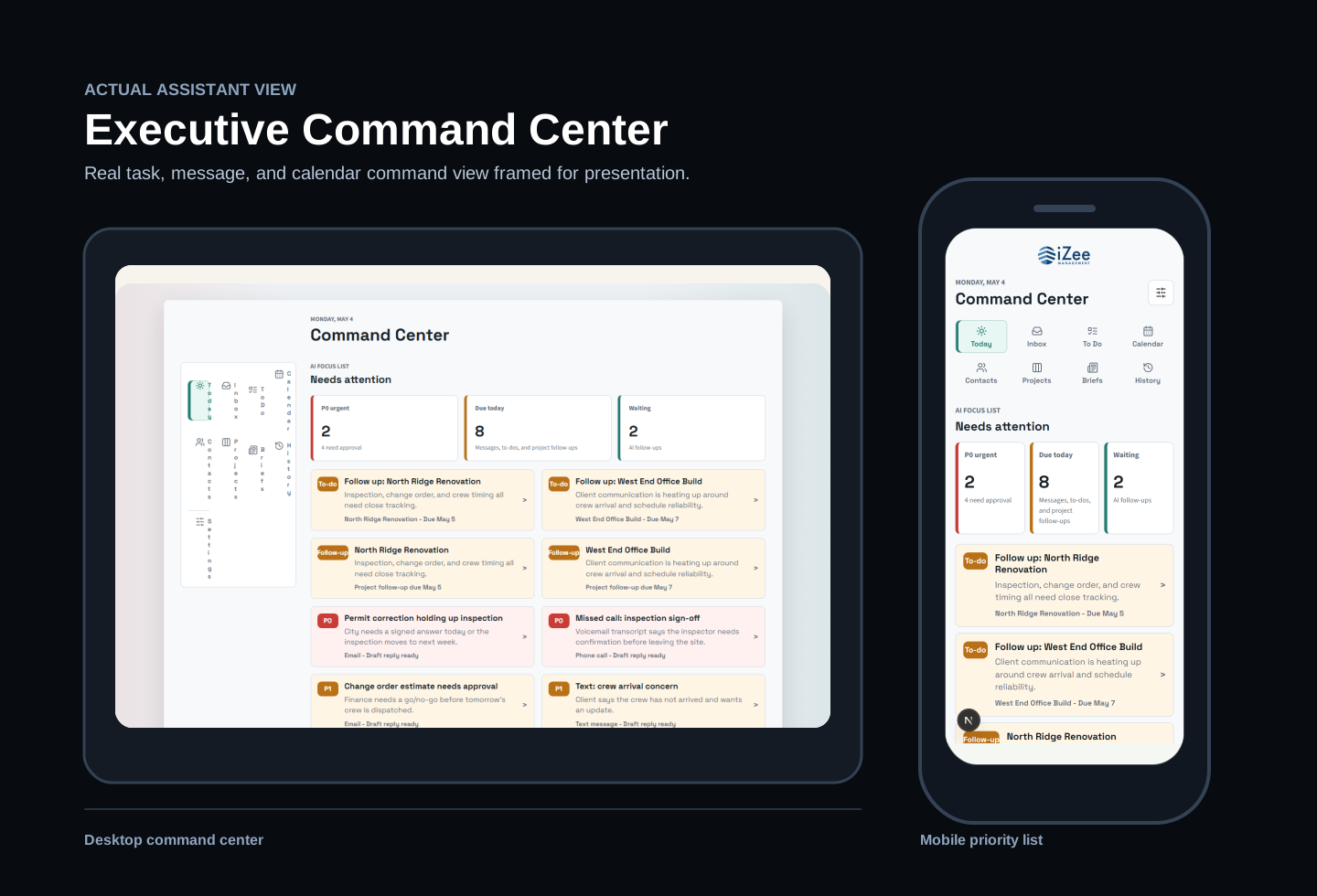
Executive Assistant
AI command center for attention, triage, and draft approval.
A mobile-first assistant dashboard for protecting attention, triaging messages, and approving AI-drafted responses.
AI AssistantExecutive WorkflowMobile UIXTriage
Time Saved
1 hour
Estimated daily time saved through triage, context grouping, and draft assistance.
Problem
Urgent, important, routine, and FYI communication can all hit the same inbox.
What Changed
Protects executive attention by separating urgent, important, routine, and FYI items.
Built
A command-center concept that helps sort priorities, group context, and draft responses faster.
Problem
- Urgent, important, routine, and FYI communication can all hit the same inbox.
- Project, travel, and message context gets scattered across tools.
- AI automation needed to build trust before taking action on behalf of a user.
What I Built
- Priority inbox
- Travel mode
- Project tracking
- Approval drawer
- Outlook and RingCentral-ready workflow
Solution
- Designed the first screen around today's decisions instead of a generic inbox.
- Used explainable priority logic with clear categories and confidence.
- Kept draft approval visible and reversible before any future auto-send category.
Business Impact
- Protects executive attention by separating urgent, important, routine, and FYI items.
- Creates a safer AI adoption path by starting with draft approval and audit logs.
- Keeps communication, travel, and project context visible in one daily command center.
Lessons
- Executive automation should optimize for trust before speed.
- AI assistants are more adoptable when the first version is draft-only and visibly explainable.